Image to image AI is a technology that transforms a still you already have — a photograph, product shot, or artwork — into a new image while keeping the original subject recognizable. You describe the change; the model restyles lighting, background, wardrobe, or medium around the pixels you uploaded. SparkVid's image to image AI generator runs Nano Banana, Seedream, and GPT Image in one workspace.
Sample Image
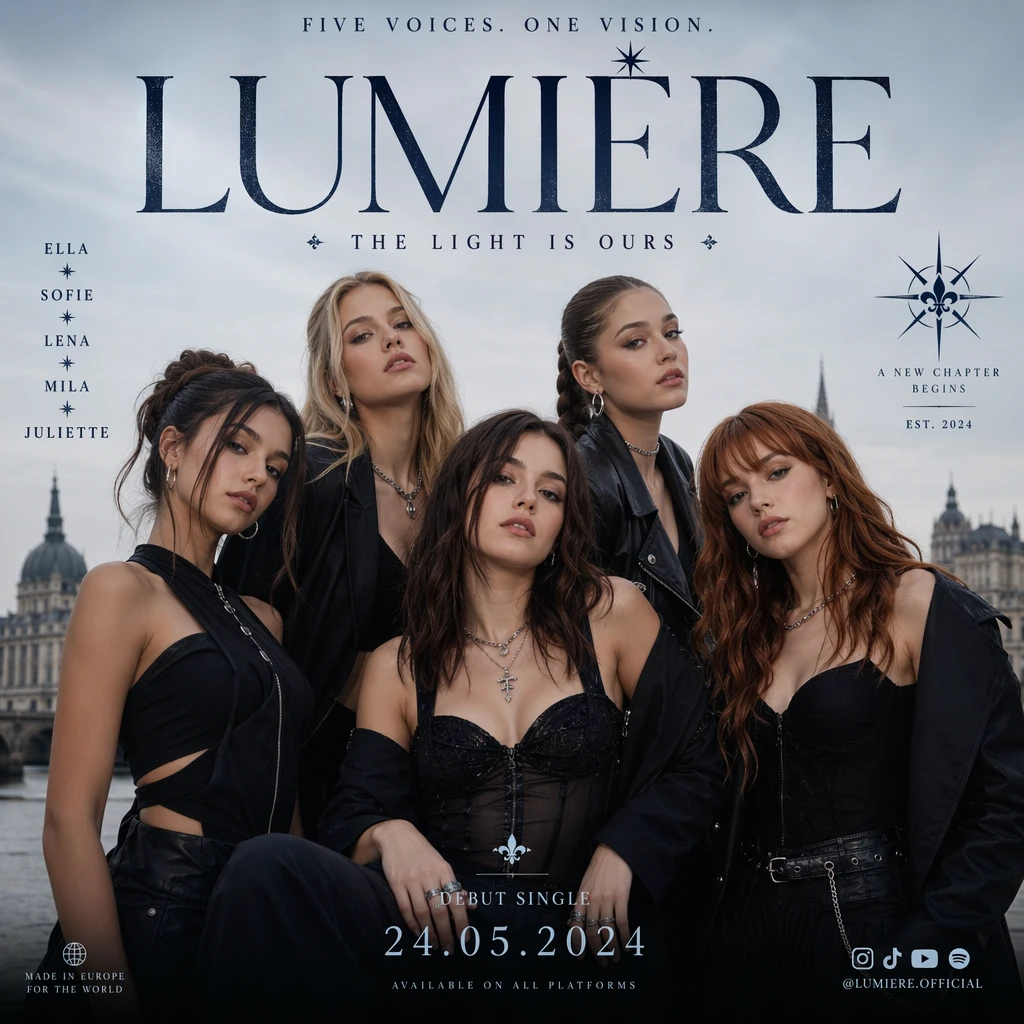
Image to Image AI
Image to Image AI Generator
Upload a photo. Direct the change. SparkVid's image to image AI keeps faces, products, and art recognizable — then restyles lighting, background, wardrobe, and mood in seconds.
Start from what you already have
Your photo. Now it is the shot you meant.
Image to image AI reads composition, identity, and lighting from the still you upload, then rewrites only what you ask for. You are not gambling on a prompt-only look-alike — you are editing a frame that already looks like your brand, your product, or your character.
- Lock identity — faces, packaging, and artwork stay true to the source image
- Direct the edit in plain language: new backdrop, golden hour, studio marble, watercolor, winter coat
- Run the same image through Nano Banana, Seedream, or GPT Image and keep the take you like
Switch freely
Models
8+ engines
Nano Banana 2, Seedream 4.5 & 5, GPT Image 2 — one image to image AI workspace
Identity first
Consistency
Subject locked
The generated still starts from your pixels, not a reimagined look-alike
No reshoot
Speed
Seconds
Most image to image AI renders finish in seconds — iterate instead of opening Photoshop
Ship-ready
Output
1K to 4K
Export square, portrait, or landscape stills ready for ads, PDPs, and social
Capabilities
AI Image Editing without Losing the Original
Not a one-click filter — a generator built to keep your subject intact while you rewrite the scene
Subject-Faithful Restyling
The hardest part of image to image AI is not making a pretty picture — it is making the right picture. SparkVid preserves likeness, label art, and composition so a product still looks like your SKU and a portrait still looks like the person you photographed.
Every Leading Image to Image Model
One prompt box, one credit balance. Compare Nano Banana 2 for Flash-speed edits and style transfer, Seedream 4.5 and 5 for 4K detail and readable text, and GPT Image 2 for instruction-following edits with built-in reasoning — without six separate accounts.
Style, Mood, and Medium You Can Direct
Turn a snapshot into cinematic still, product catalog, watercolor, or brand campaign. Image to image AI follows the upload for identity and your prompt for look — so you stop rolling the dice on random filters.
Background, Lighting, and Wardrobe Edits
Swap a messy room for marble, relight harsh noon into golden hour, change a jacket color, or drop the product onto a lifestyle set. The generator changes what you name and holds the rest — the job Photoshop used to take an afternoon for.
Production Resolution, Not a Preview
Ship 1K, 2K, or native 4K stills that hold up on retina screens, print, and paid ads. Image to image AI on SparkVid is built for assets you can publish — not thumbnails you have to upscale later.
Still to Motion in One Workspace
Restyle the perfect frame with image to image AI, then send it straight into image to video. Concept, still, and motion live in one library — no exporting, re-uploading, or lost versions.
How to Transform an Image with Image to Image AI
Three steps from a still you already have to a frame you can publish
1
Upload Your Image
Drop in a portrait, product shot, illustration, or concept frame. Clear subjects and decent lighting give image to image AI the most to work with — studio photos and strong artwork both work.
2
Describe the Change
Add a short line about what should stay and what should move: “keep the bottle, place it on wet marble at night,” “same face, film-still lighting,” “watercolor, keep the composition.” Pick a model if you already know the look you want.
3
Generate, Compare, Export
Render in seconds, preview the take, then re-run on another engine or tighten the prompt. Download a high-res still when it lands — ready for ads, PDPs, social, or a client review.
In production
From One Photo to Every Channel
If you already have the still, you are one generation away from a frame that sells, explains, or matches the brief
Product & E-commerce
Turn catalog photos into lifestyle shots without a set. Keep packaging and labels intact while the backdrop, lighting, and surface change — the fastest lift for PDP conversion and seasonal refreshes.
Portraits & Headshots
Restyle a headshot into studio light, editorial fashion, or a campaign look without a second shoot. Image to image AI is how creators turn one photoshoot into a week of on-brand stills.
Ads & Performance Creative
Test more hooks from the same hero image. Generate square, portrait, and landscape variants in an afternoon, swap scene or wardrobe, and ship the winners — without booking a retoucher for every cutdown.
Art, Illustration & Style Transfer
Move a photo into illustration, a sketch into a finished still, or a concept into a new medium while the composition stays yours. Ideal for covers, music visuals, and any piece that should evolve without being redrawn.
Characters & Brand Consistency
Keep a face, mascot, or product recognizable across scenes, outfits, and campaigns. Feed references into the image to image AI generator and build a set that looks like one shoot — not six different people.
Social & Thumbnail Stills
Resize, restyle, and localize a single photo for every platform. Image to image AI is how teams ship a carousel, a thumbnail, and a story crop from one approved still instead of three separate briefs.
Image to Image AI FAQs
Straight answers before you upload your first still
You upload an image and add a prompt describing what should change and what should stay. The model treats the still as visual ground truth, infers identity and composition, and renders a new frame in HD or 4K. On SparkVid you pick the engine, preview the take, compare another model on the same still, and download when you are happy.
Text to image invents a scene from a written description. Image to image AI starts from pixels you already approve — so likeness, packaging, and art direction stay yours. Use text to image when you are exploring from scratch; use image to image AI when the still is the brief and the job is to restyle, edit, or localize it.
Yes. New accounts get free credits to run image to image AI with no card required. When you need more volume, subscriptions and one-time credit packs are on the pricing page — same balance across every model.
Clear, well-lit images with a single focal point restyle most cleanly: product heroes, portraits, illustrations, and concept art. Avoid heavy motion blur, tiny subjects lost in clutter, and watermarks across the face or label. If you can name the subject in one glance, the generator usually can too.
Nano Banana 2 is the Flash-speed all-rounder for edits, style transfer, and smart resizing; Nano Banana Pro is strong on subject consistency; Seedream 4.5 and Seedream 5 shine on native 4K, readable text, and product detail; GPT Image 2 follows precise edit instructions with built-in reasoning. They all sit in the same generator, so run one still through two or three and keep the winner.
Depending on the model, you can generate from 1K up to native 4K — enough for social, paid ads, PDPs, and print-adjacent work. Aspect ratio is selectable (square, portrait, landscape, and wider banners on supported engines). Pick the size the channel actually needs instead of upscaling later.
Yes. On a paid SparkVid plan, stills you generate with image to image AI can be used in ads, product pages, client work, and monetized social channels under our standard terms — no watermark. Free-credit outputs are for testing; upgrade before you publish.
No. SparkVid runs in the browser on desktop and mobile. Upload, generate, and download in the cloud — no GPU, no plugin, no local render farm.
Get started
From One Photo to the Shot You Meant
Upload a photo, direct the change, and let image to image AI do the rest — Nano Banana, Seedream, GPT Image and more, one SparkVid workspace.