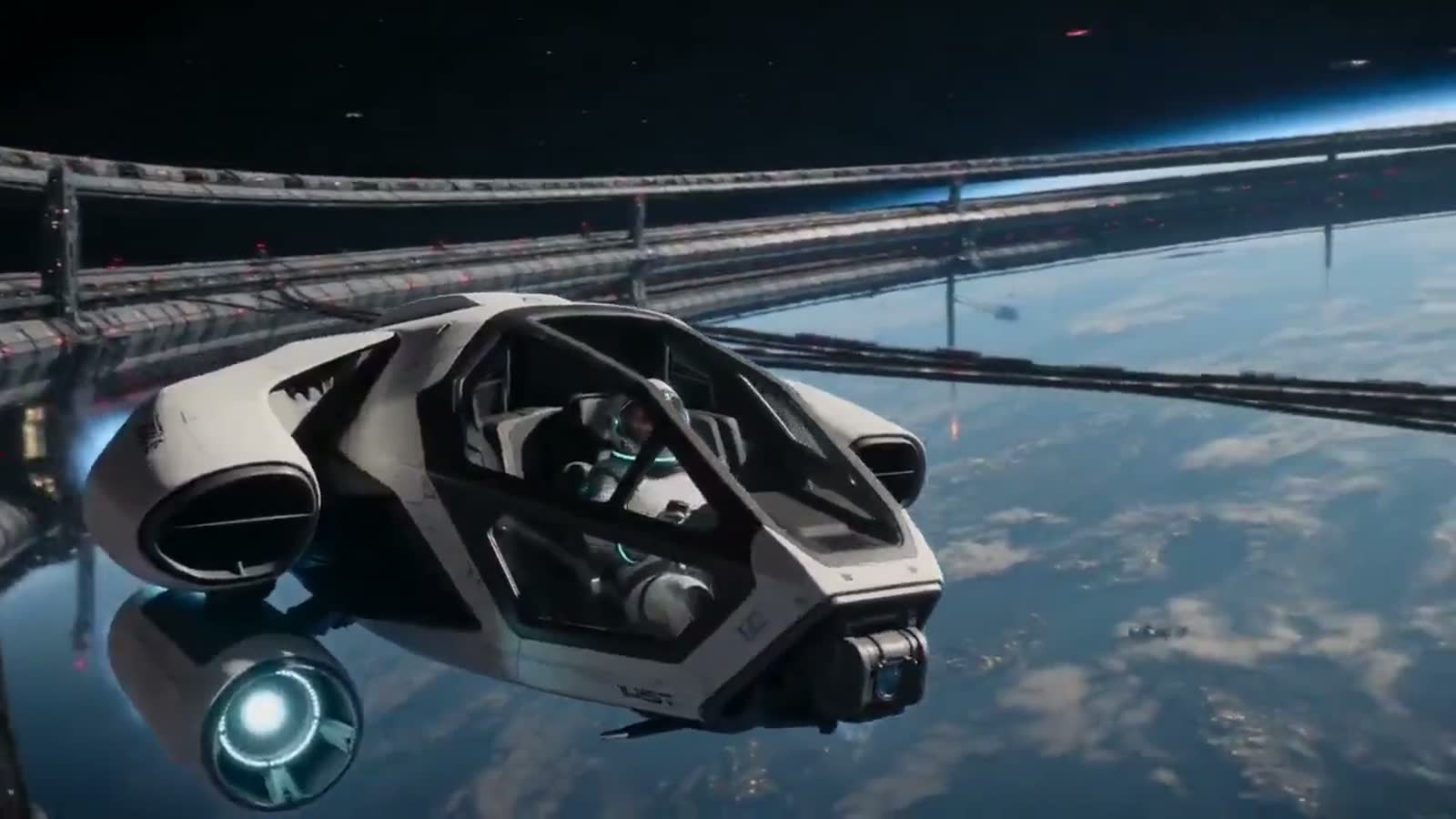

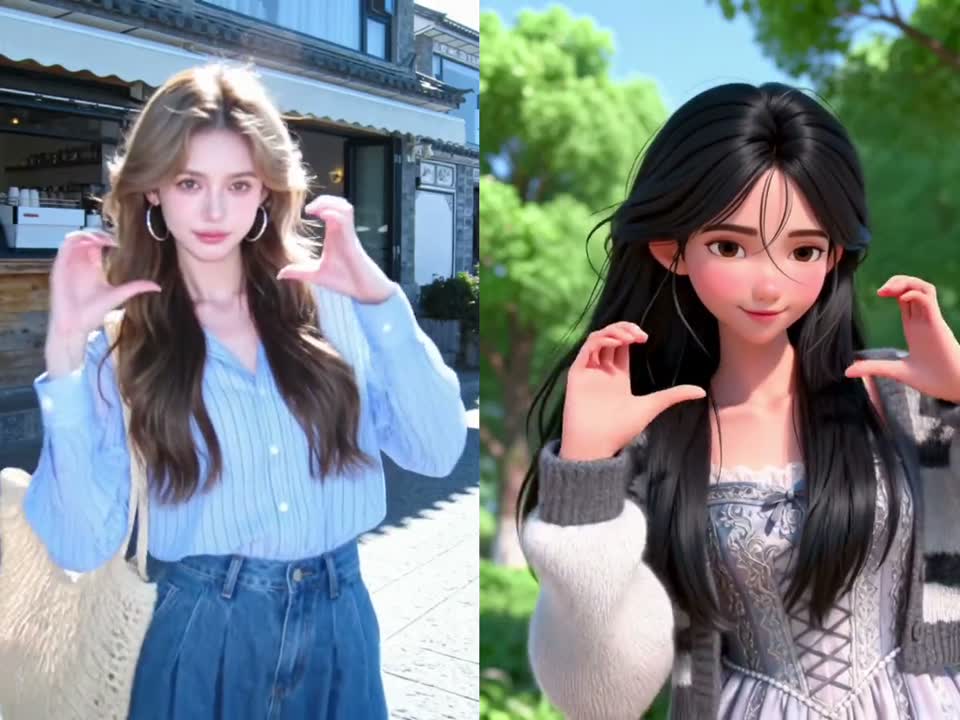
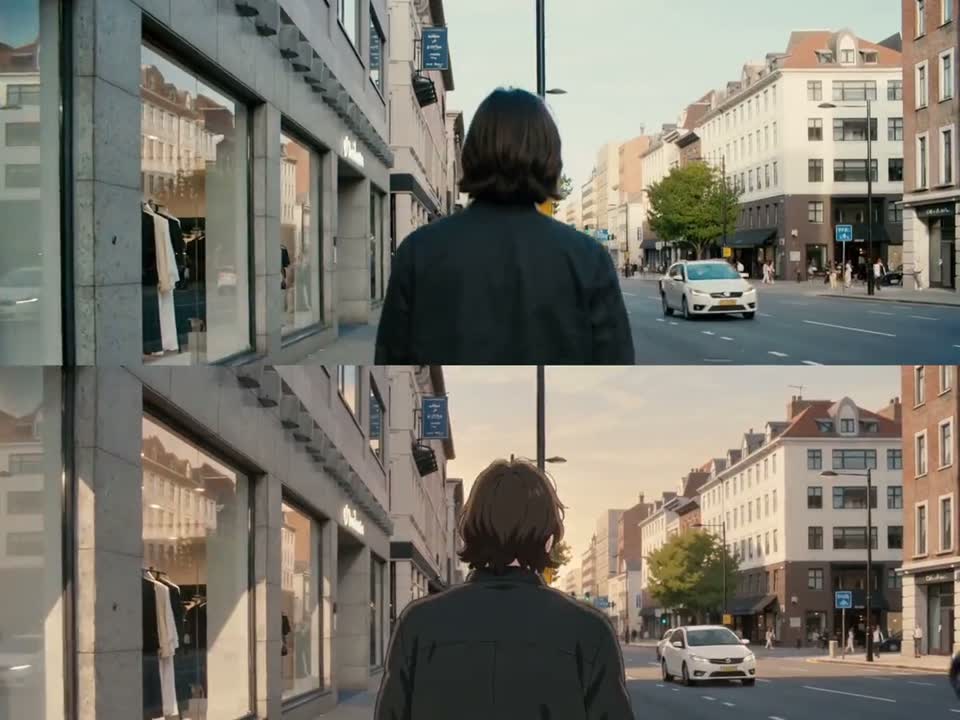
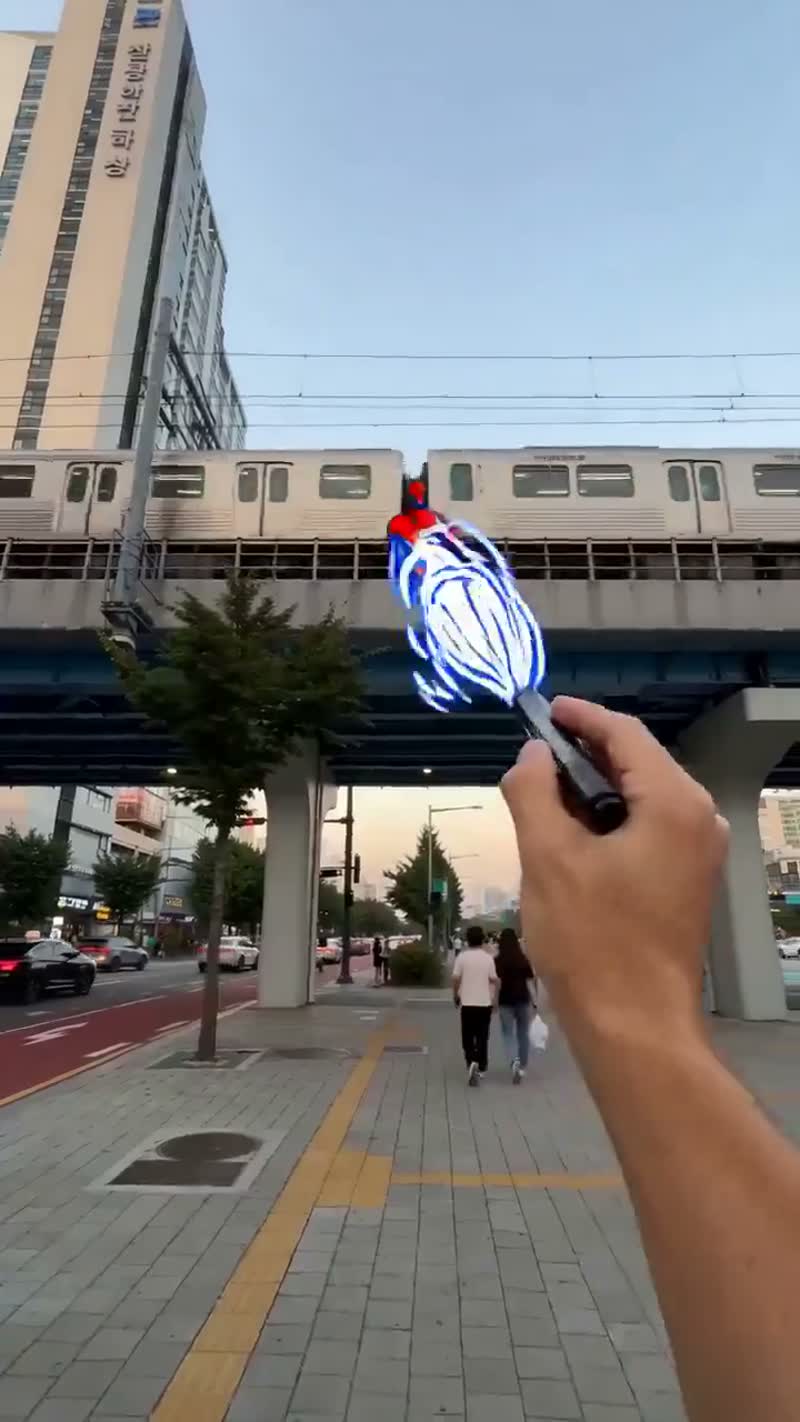

An AI video maker is a tool that turns text descriptions and still images into finished video clips using generative models. SparkVid AI video maker brings the leading engines together in one place, so a single prompt can become a professional-looking video clip in minutes.
Seedance 2.5 (30s) Now LiveSeedance 2.5 (30s) Now Live on SparkVidTry Now
AI Video Maker - Turn Your Ideas Into Stunning Videos
Create cinematic videos with the world’s best AI models — all in one place.
Seedance
Sora
Veo
Kling
Grok Imagine
HappyHorse
Seedream
Nano Banana
GPT Image
Sample Video
Everything You Need to Create AI Video
Make videos, direct the motion and edit them online — SparkVid puts the whole workflow in one browser tab.
Video Making
Create AI Video from Text and Images
Type what you want to see, or drop in a photo, product shot or piece of artwork. SparkVid AI Video Maker reads the scene, camera move, lighting and style — and holds your character or product steady from the first frame to the last.
- Start from a plain-language prompt, or upload any photo, product shot or artwork as reference
- Switch between Seedance, Kling and Veo on every run and compare the takes side by side
- Keep faces, products and styles consistent from start to finish
AI Motion Control
Direct the Motion, Not Just the Prompt
Most tools make you guess and re-roll. Here you transfer motion from a reference clip, choreograph the camera by hand and animate characters with action you actually control.
- Transfer motion from any reference video onto your own character or subject
- Direct camera movement — pans, zooms, orbits and dolly shots — with simple controls
- Animate faces and body language with natural, lifelike detail
AI Video Editing
Edit Your Video by Describing the Change
A video maker is only half the job — you still have to fix things. Remove objects, swap backgrounds and restyle footage by typing a sentence, right in your browser.
- Describe your edit in natural language — chain-of-thought reasoning turns it into precise modifications
- Remove objects, change backgrounds and modify styles without masks or keyframes
- Guide edits with reference images for consistent styles, elements and scenes
Image Making
Make the Perfect Frame to Start From
Build concept art, product shots, characters and thumbnails with GPT Image, Nano Banana and more — then send any frame straight into the video maker and watch it move.
- Explore photorealistic, anime, 3D and illustration styles
- Edit and remix images with simple text instructions
- Send any image you make straight into SparkVid AI Video Maker
Seedance 2.5 Gallery
Explore the most advanced AI model on SparkVid - use the prompt to create something similar.
How to Make an AI Video in 3 Steps
From idea to finished clip in minutes with our AI video generator — no editing experience needed.
1
Pick a Model
Choose Seedance, Kling, Veo or another engine based on the look you're after.
2
Describe or Upload
Write a text prompt, upload an image, or do both to tell the video maker what you want.
3
Make It & Download
Let SparkVid render your clip, then preview, refine and export in HD.
One AI Video Maker, Endless Use Cases
Creators and marketers use SparkVid AI video maker to ship video faster.
Social Media Content
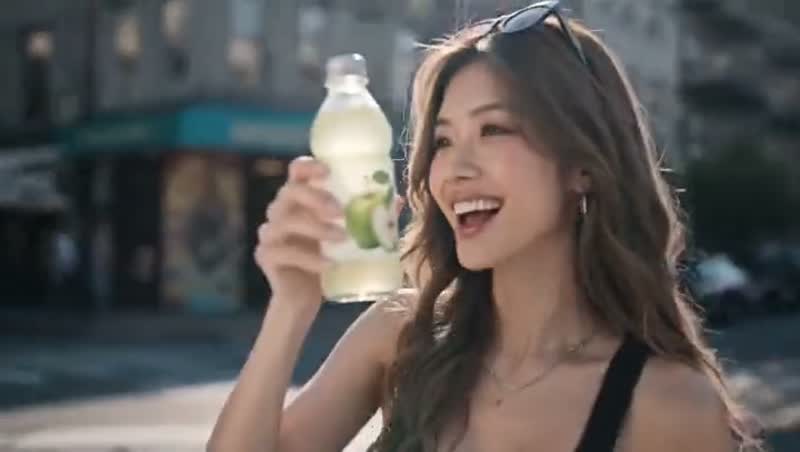
Make scroll-stopping shorts for TikTok, Reels and YouTube without filming a thing.
Marketing & Ads
Test more creative concepts by making ad variations in minutes, not weeks.
E-commerce & Products
Turn flat product photos into lifestyle videos that lift conversion rates.
Education & Explainers
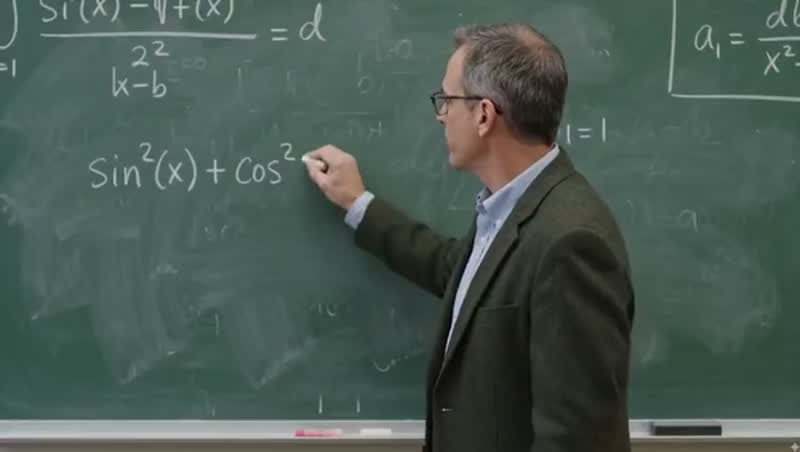
Visualize concepts and build engaging lesson content from simple prompts.
Film & Storyboarding
Previsualize scenes, pitch ideas and prototype shots before a single day on set.
Gaming & Fan Content
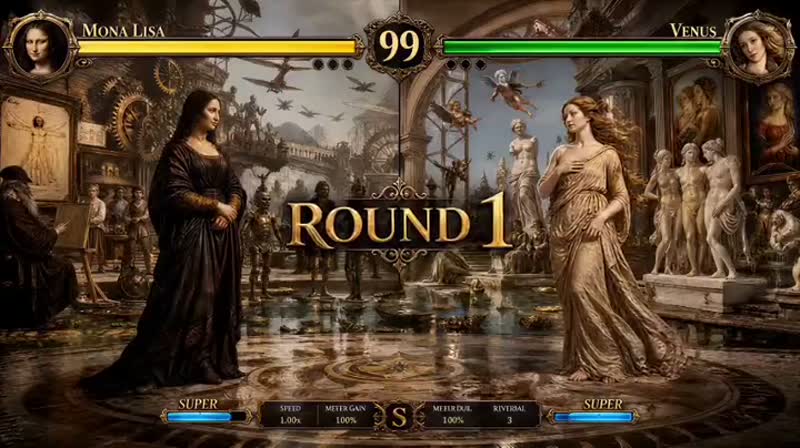
Bring characters, worlds and trailers to life straight from concept art.
AI Video Maker FAQs
Everything you need to know before you make your first video.
Yes — every new account gets free credits and can try any model without a card. When you need more, flexible subscriptions and one-time credit packs are available on our pricing page.
Write a prompt describing the scene, style and motion you want, pick a model and hit generate. SparkVid AI Video Maker handles the rest, and being specific about lighting, camera movement and mood is what separates an average clip from a great one.
Upload a photo, product shot or piece of artwork, add a short line about how it should move, and SparkVid AI Video Maker animates it into a smooth clip while keeping the subject recognisable. It's the fastest way to bring portraits, products and illustrations to life.
Seedance is the multimodal all-rounder and takes images, video and audio together; Kling is strongest on realistic motion and characters; Veo delivers cinematic quality with native audio. They all sit in the same AI video maker, so run one prompt through all three and keep the take you like.
Yes. On a paid plan, every clip you make with SparkVid AI Video Maker is yours to use commercially — ads, client deliverables, monetized YouTube and TikTok channels, product pages and paid social — with no watermark. Free-credit clips are meant for testing and personal projects, so upgrade before you publish.
Our AI Video Maker exports 16:9 for YouTube, 9:16 for TikTok, Reels and Shorts, and 1:1 for feed posts, in HD up to 4K depending on the model you pick. Each generation runs roughly 5 to 30 seconds and downloads as a standard MP4.
No. SparkVid is an online AI video maker that runs in your browser on desktop and mobile. Nothing to install, no GPU required — the rendering happens in the cloud.
That comes down to the model, the resolution and the length you ask for. Short drafts on the faster models are back in under a minute, most generations take 2 to 3 minutes, and long 1080p or 4K clips can run 5 minutes or more.
Try SparkVid AI Video Maker Today
Join the creators using SparkVid as their AI video maker — Seedance, Kling, Veo and more, all in one place.
Trusted by Creators Worldwide
From solo AI video creators to marketing teams, thousands open SparkVid as their AI video maker every day.
Alex Moreau
Content Creator, 320K followers
A single short used to eat my whole weekend — scripting, sourcing stock, cutting. Now SparkVid AI Video Maker does the heavy lifting: I write one prompt, run it through Kling and Veo, and compare both takes side by side before lunch. My posting cadence went from two shorts a week to one a day, and the comments about production quality actually went up.
Sofia Ramos
Founder, E-commerce Studio
Our whole catalog is flat studio photos, so I needed an AI video maker that starts from an image rather than a blank prompt. I upload the shot, add a line about the camera drifting around the product, and get a lifestyle clip that looks shot on set — packaging and label still perfectly intact. Product pages with those clips convert meaningfully better than the ones without.
Daniel Kim
Indie Filmmaker
Previs used to be storyboards and a lot of hand-waving. What I wanted was an AI video maker I could actually direct, and Motion Control is that — I transfer a performance from a reference clip onto my own character and dial in the exact camera move, a slow orbit or a push-in, instead of hoping the model guesses right. I now walk into financier meetings with footage, not sketches.